Wedding RSVPs for more than one event: how guests reply to each one
The short answer
With Occasi, one invitation holds up to twelve events, from a welcome dinner to a Sunday brunch. You choose which events each household is invited to. Guests reply for everyone in their party, one event at a time, and only see their own events. Your Guests page then shows who’s coming to each event.
A wedding is often more than one day now: a welcome dinner, a mehndi, the ceremony, the party, a Sunday brunch. Each needs its own numbers, and not everyone is invited to all of them. That’s what multi-event wedding invitations are for.
How do you set up the events?
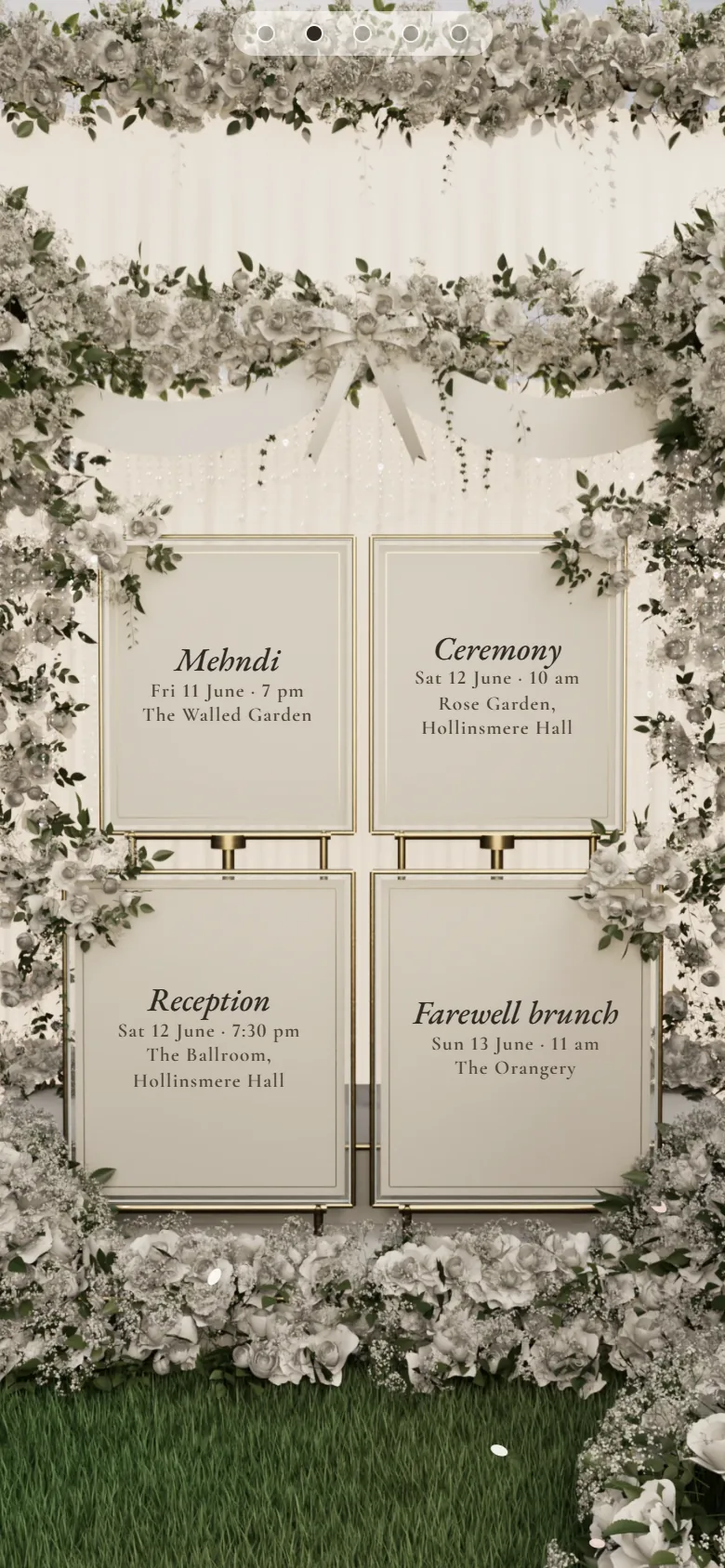
Add each event in your dashboard with its day, time, place and dress code. You can add up to twelve. Then, in Guests, choose which events each household is invited to. Evening guests simply get the evening. Inviting guests to some events, not others covers the etiquette.
What does a guest see when they reply?
They open their link, find their name and reply for everyone in their party, one event at a time. Events they aren’t invited to don’t appear, so nobody finds out about a dinner they weren’t asked to.
If you’ve set an event’s menu to “Guests choose”, they pick a meal for it. The dietary question is on unless you switch it off, so they can tell you about allergies there too. Briefing the caterer afterwards is in meal choices and dietary needs.
How do you see who’s coming to each event?
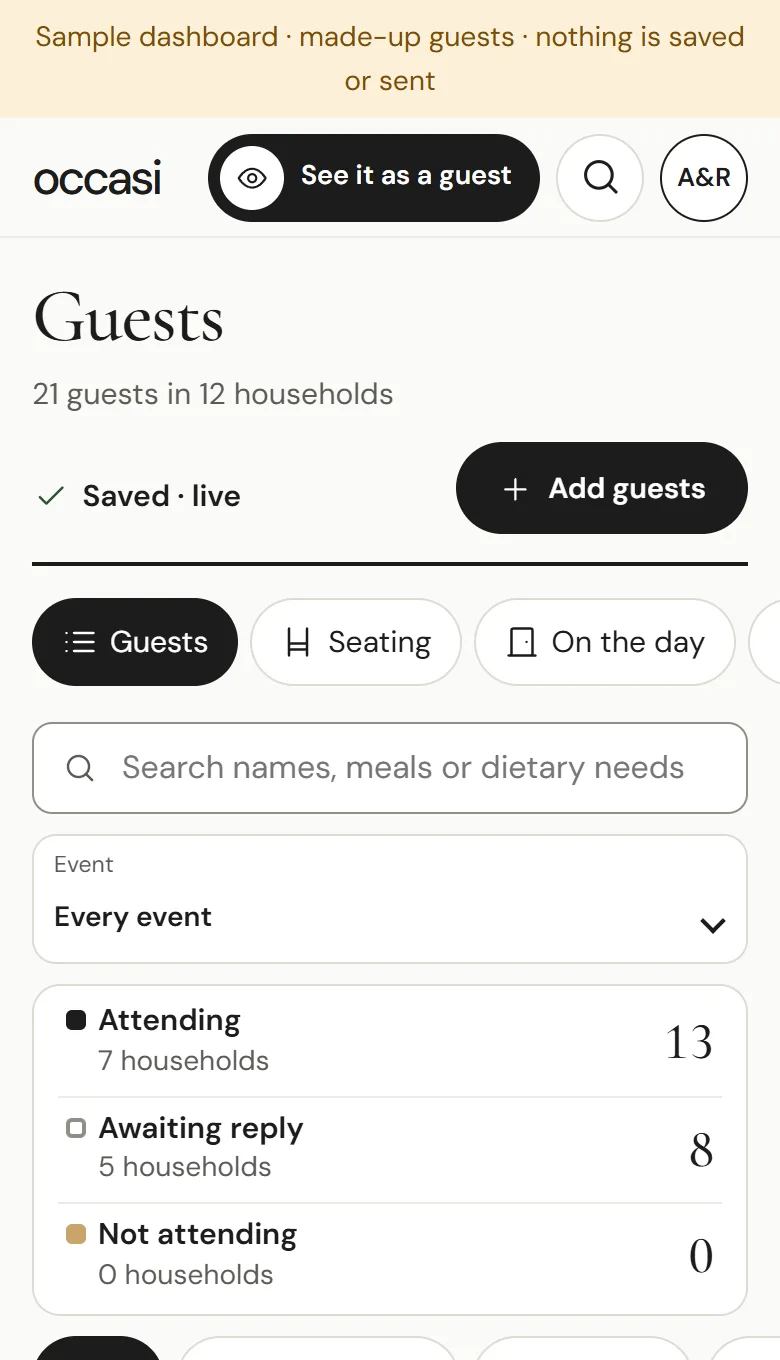
On the Guests page, open the Event menu and choose an event. You’ll see who’s attending, who you’re still waiting for and who can’t make it, for that event alone. Search finds a name, a meal or a dietary need. When your caterer or venue asks for numbers, download your replies as a spreadsheet.
Do you need a guest list, or will a shared link do?
Choosing events per household needs a guest list, because each household gets its own personal link and its own number of places, up to 20. A shared link is the same for everyone, which suits a single party better than a weekend. Both kinds of link are part of your wedding RSVP website, and replies from either land on the same Guests page.
Can a guest change their reply?
Before they send it, yes. After that, they can change it themselves through their own link until your reply-by date, with The Invitation or The Occasi Pass, unless you turn changes off. A dietary note is the exception: a guest can always open their own link, clear the note and send, and it’s deleted. If a guest messages you instead, change their reply yourself in Guests.
Questions couples ask
How many events can one invitation hold?
Up to twelve.
Do evening guests need a separate invitation?
No. Add the evening as its own event and invite those households to it alone. Their link shows just the evening. Day and evening guests has wording for it.
Can one person reply for the whole household?
Yes. Whoever opens the link replies for everyone in their party, event by event.